AutoSplitTextControl

AutoSplitTextControl
A control for splitting text. It provides two text areas: a primary field (field1) with a user-configurable maximum length and an overflow field (field2) with a fixed 4000-character limit. When field1 reaches its maximum length, excess text automatically overflows to field2, which is saved to a Dataverse field specified by targetFieldLogicalName.
Author: Advic Tech
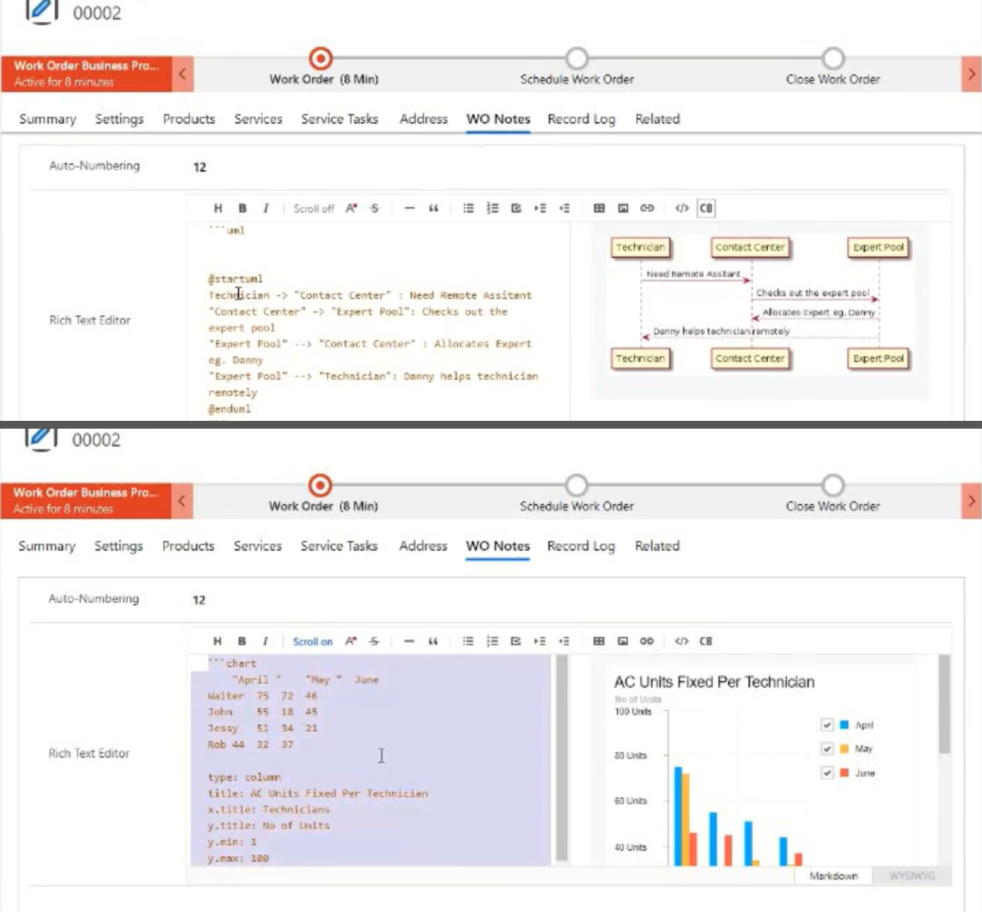
Rich Text Editor with Chart & UML Designer
A control to embed Charts and to create UML diagrams (plant UML)
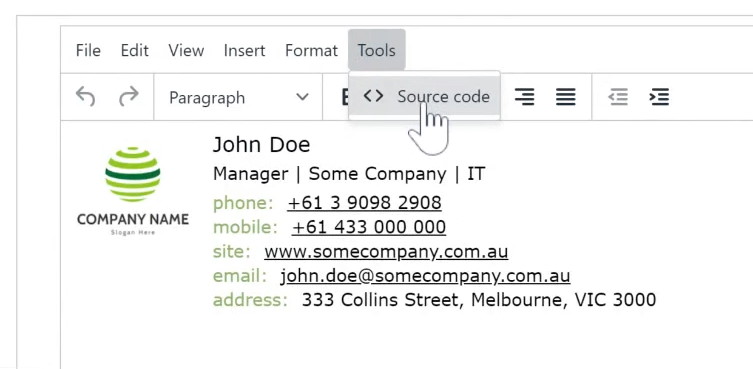
TinyMCE Rich Text Editor
A control to convert a multiple lines of text field as rich text editor using TinyMCE library.
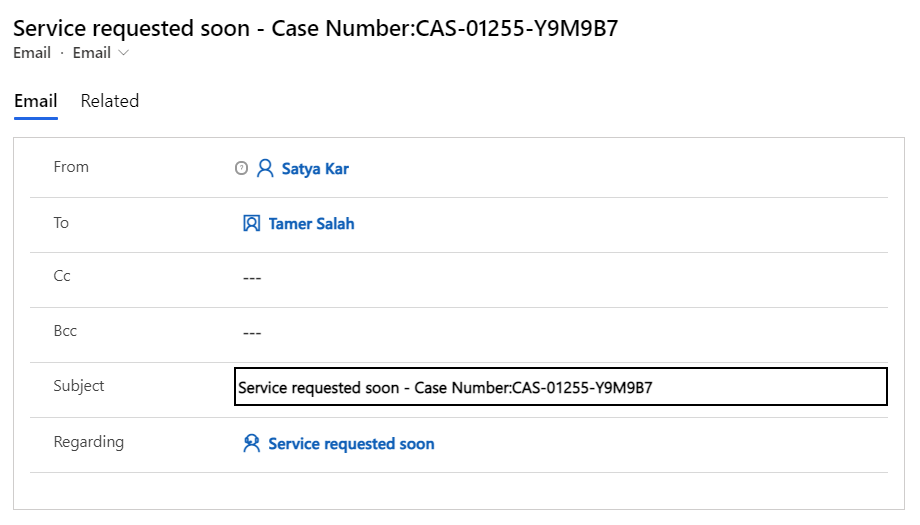
Auto Populate Text Column
A control that auto populate a PowerApps text column with Regarding Lookup details