Masked Column

Masked Column
A control that masks sensitive input data with toggle visibility. Perfect for passwords, confidential codes, and personal information that needs over-the-shoulder privacy.
Features:
- Toggle visibility with eye icon
- Flexible regex patterns to mask specific characters
- Customizable mask characters (•, *, #, etc.)
- Real-time masking as users type
Optimized for Model-Driven Apps forms. Provides UI-level masking for presentation and user experience, not server-side data encryption.
Author: Filip Shamakoski
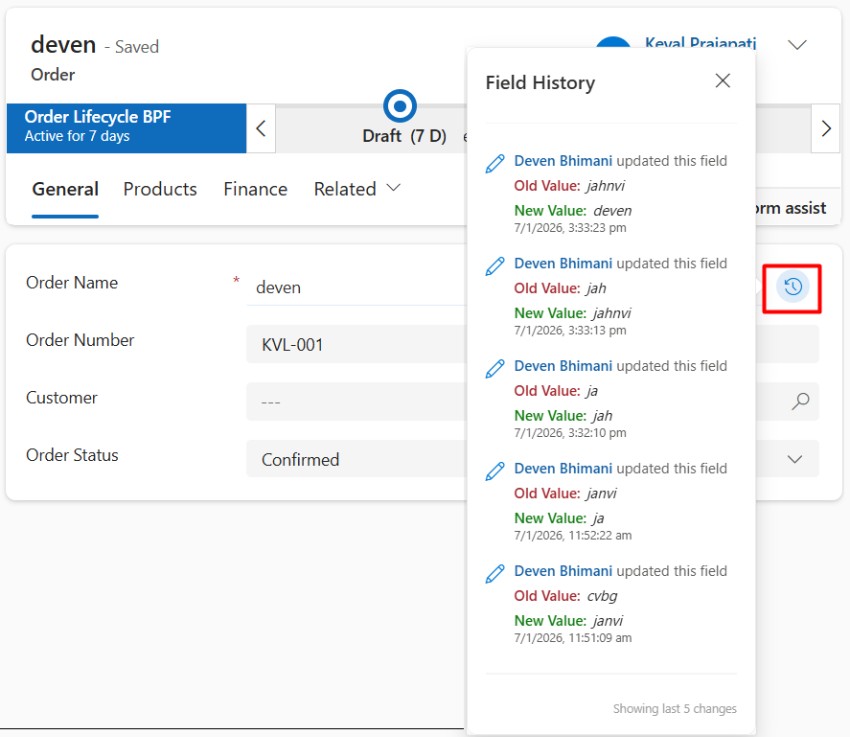
Field Audit
A control that provides instant visibility into a field's audit history directly within the form.
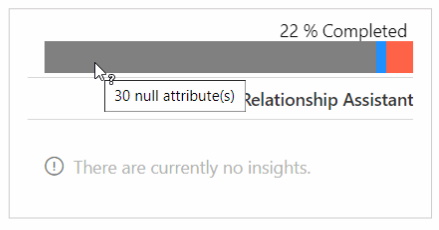
Complete Form
A control to analyse the form attributes: Percent of the form completed (attributes with values),...
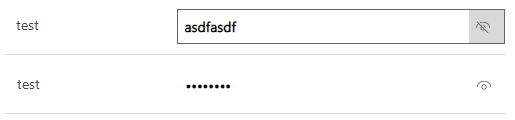
Hide/Show Secure String Control
A control to hide or show the content of a single line of text field.
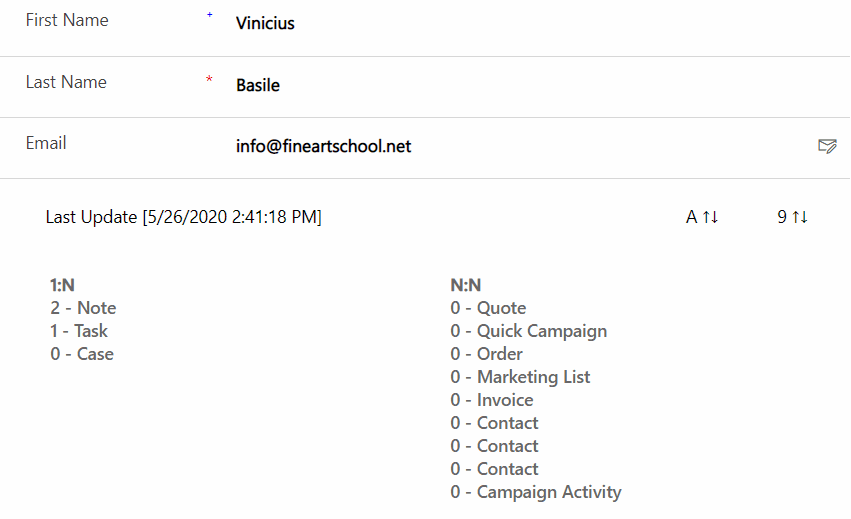
Relationships Count
A control to display the number of records that are related by entity (1:N) and relationships (N:N).
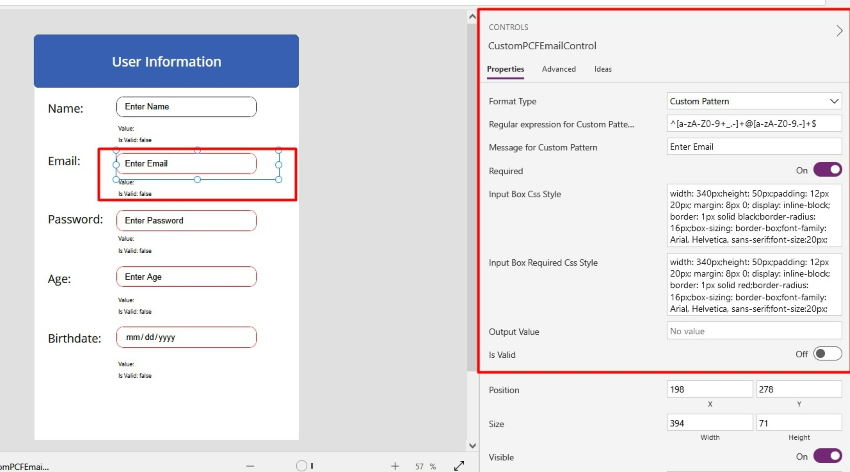
Input Formatter with Regular Expression
A control to apply validation pattern to HTML5 input control with the help of custom regular expp...
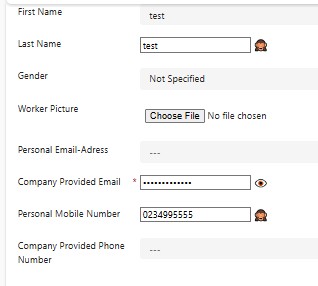
PCFSecureFieldValue
A control to provide a safe and user-friendly way to display and manage sensitive data.