Modern Choice Buttons
Modern Choice Buttons
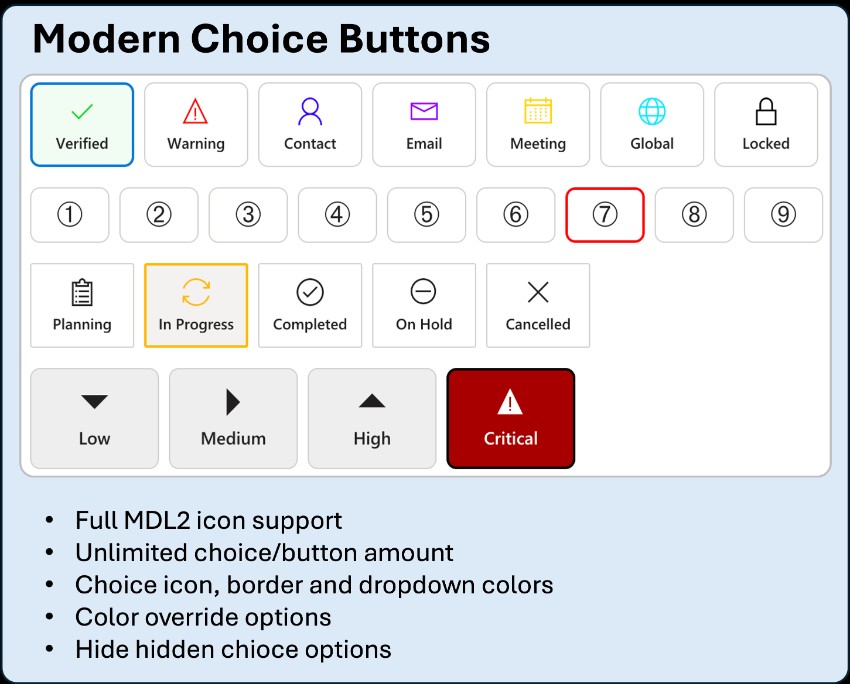
A control that replaces a standard choice field with a horizontal row of clickable icon+label tiles instead of a dropdown list.
The Modern Choice Buttons Component renders one tile per option, each showing an MDL2 icon above the option's own label, wrapping automatically to a new row when there isn't enough horizontal space. It supports the same vast icon set as Advanced Dropdown - a default icon for every tile or a per-option JSON icon map, plus per-option icons sourced from each option's own External Value field.
It features independently configurable background and border color modes (a custom hex color or the choice option's own configured color), Square or Rounded tile shapes, Small/Normal/Large tile sizing, and an icon color scope that applies color to every tile or just the selected one - making it perfect for status or stage selectors, priority/severity pickers, category selection on touch-friendly forms, or any choice field where visual recognition matters more than a compact dropdown.
Author: Maximilian Henkensiefken
GradientButton
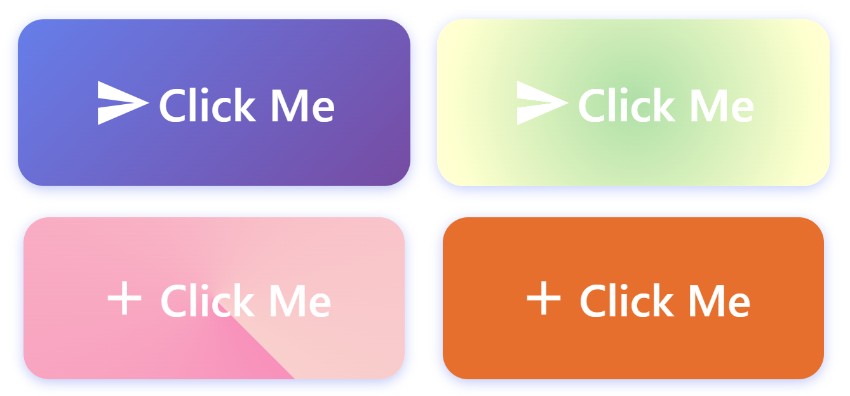
A control with gradient backgrounds, shadow, glow, border, typography, animation, and ripple effect.
Floating Action Button
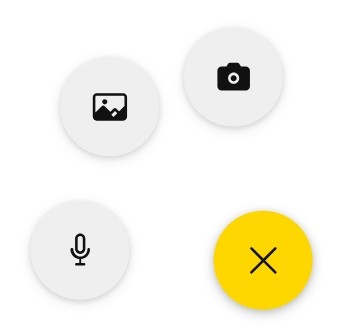
A control to show a customizable Floating Action Button for Power Apps canvas apps.
Action Buttons
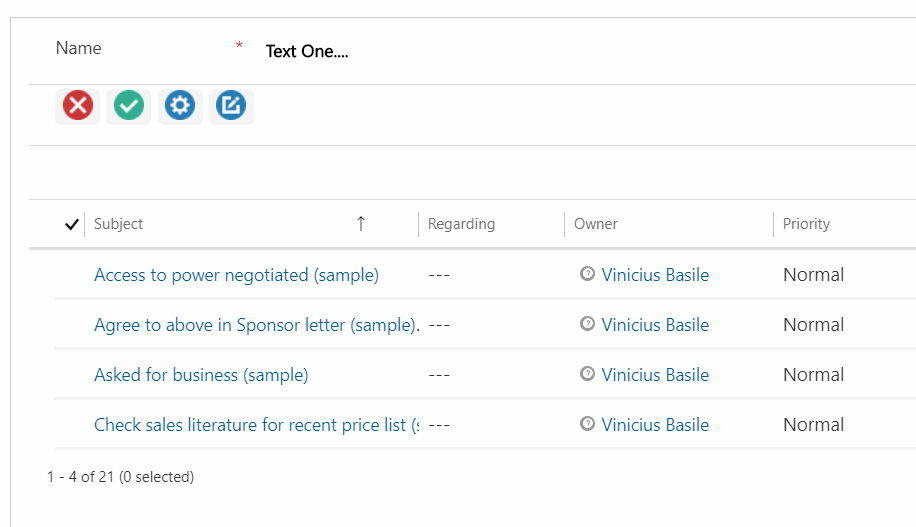
A control to use actions to implement the logic and render them as buttons on subgrids.
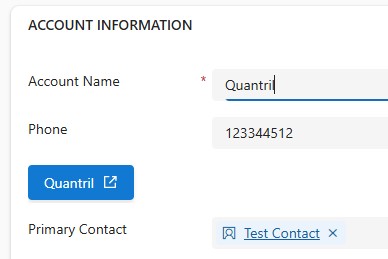
HyperLink Button
A control to replace those long, messy, unreadable URLs with a clean, clickable button.
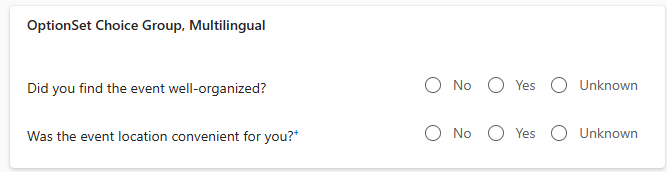
OptionSet Choice Group
A control to present choices defined in a Choice column table in a clear and organized way
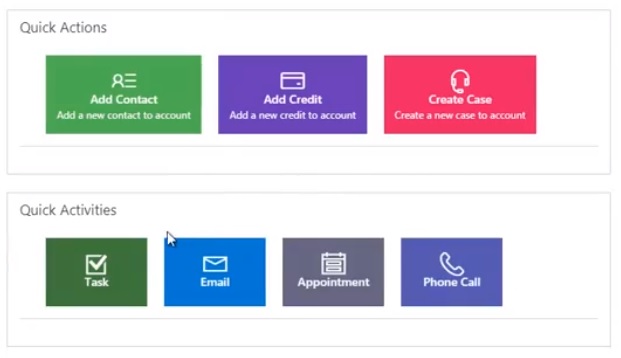
Shortcut Buttons
A control to create shortcut buttons (max 4) to open quick form or main form of other entities fr...