Timezone Display

Timezone Display
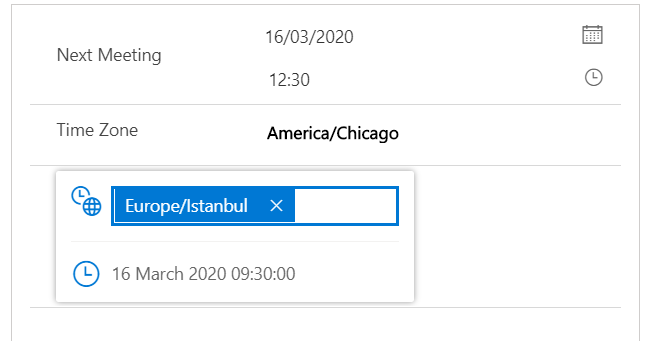
A control to display a Dataverse DateTime field across multiple timezones on a model-driven form. Admins pick up to three default timezones with custom labels (e.g. "HQ", "Tokyo"); end users can add more on the fly with per-record persistence via localStorage. Two display modes: a compact table and a richer cards layout with day/night theming driven by configurable business hours
Author: Yurii Biriukov
Quick Date Navigator
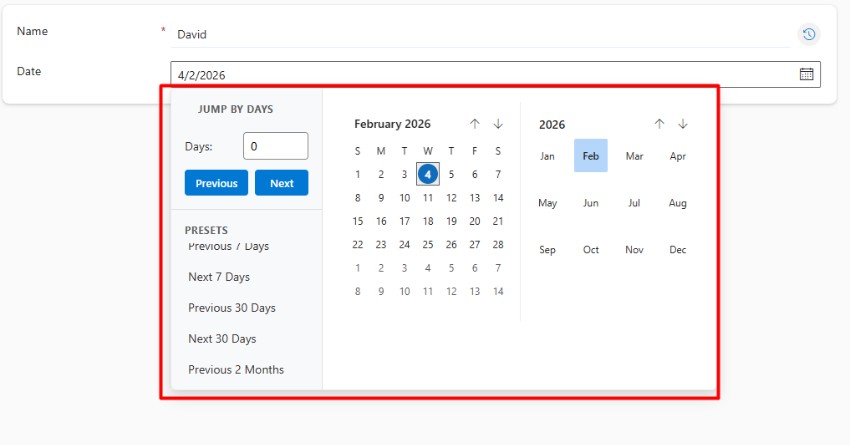
A control designed to enhance the date selection experience in Dynamics 365 and Model-Driven Apps.
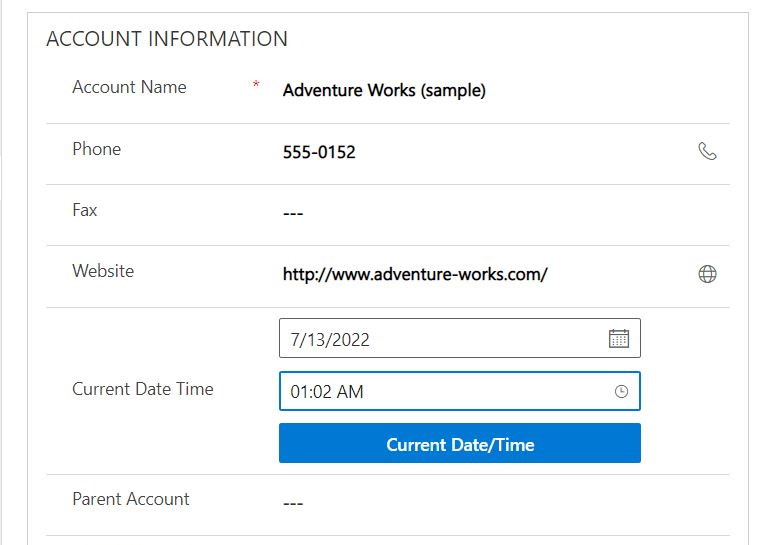
Current Date Time PCF
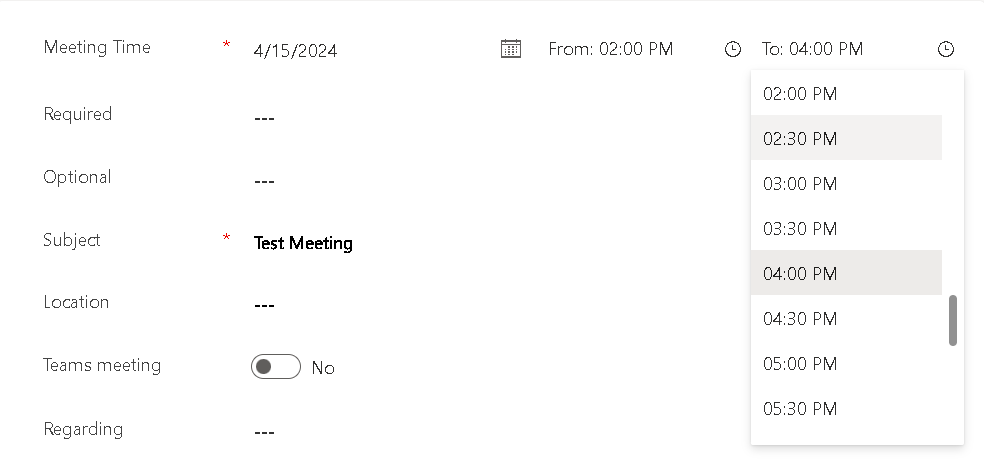
A control to insert the current system date time in a date and/or date time field
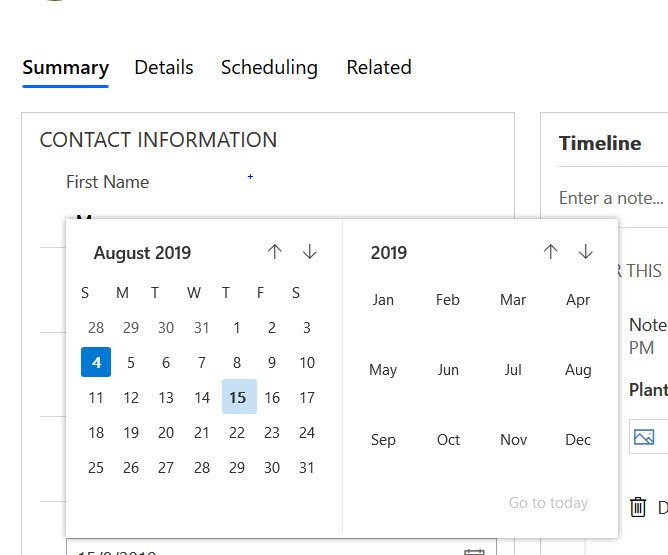
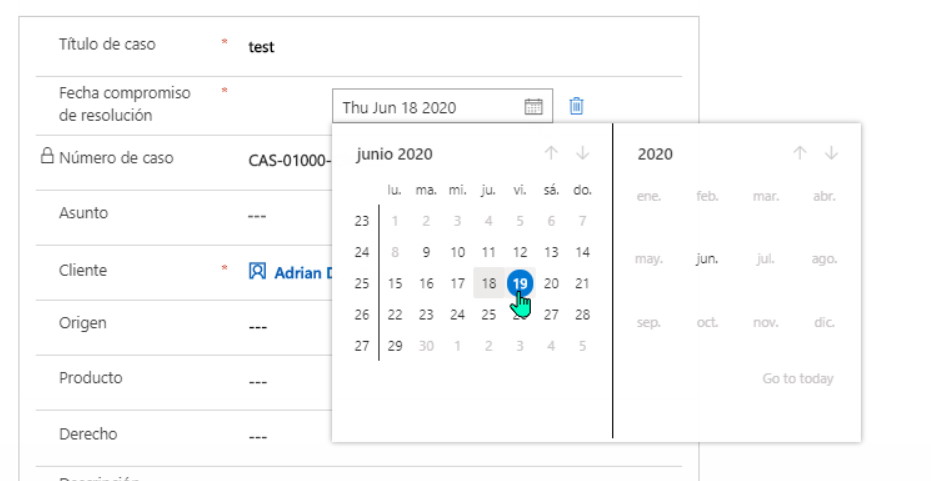
Date Picker
A control with Office UI Fabric interface to replace the OOB Date Picker (DateAndTime.DateOnly).