PCF Speech To Text
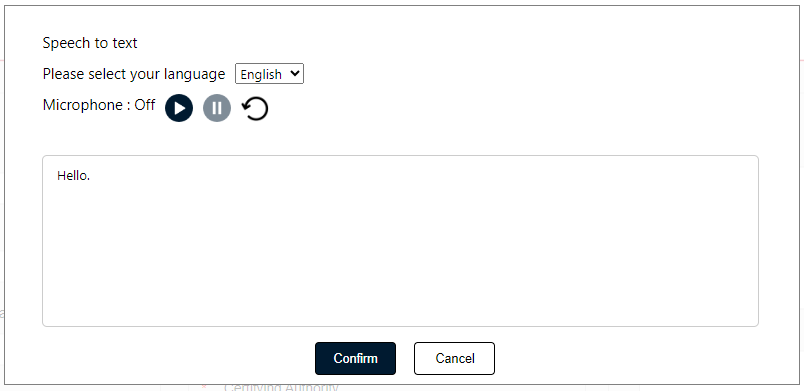
PCF Speech To Text
A control to convert speech to text in real-time , it provides a user-friendly interface for capturing audio input, transcribing it into text, and allowing users to select the desired language for transcription.
Features:
- Real-time Speech to Text: Convert spoken words into text in real-time.
- Language Selection: Choose from multiple languages for accurate transcription.
- Responsive Design: Works flawlessly on desktop and mobile devices.
Author: Sameer Jakkali

Progress Indicator
A control to visualize percentage values stored in a text field (1–100%) as a progress bar.
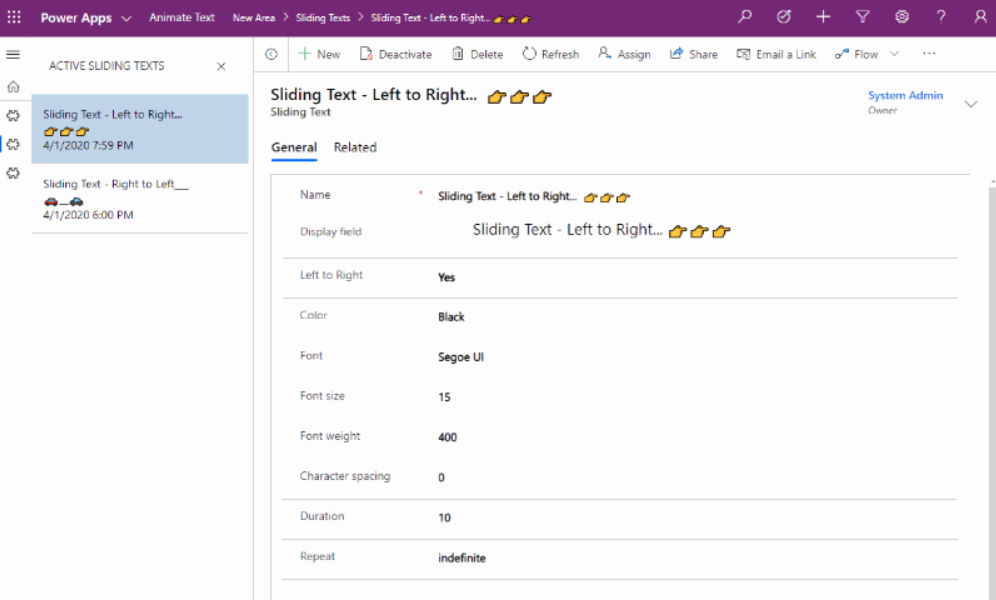
Sliding Text
A control to move a text from left to right or right to left like the old-school Marquee tag.
Comprehensive Prefix Suffix PCF
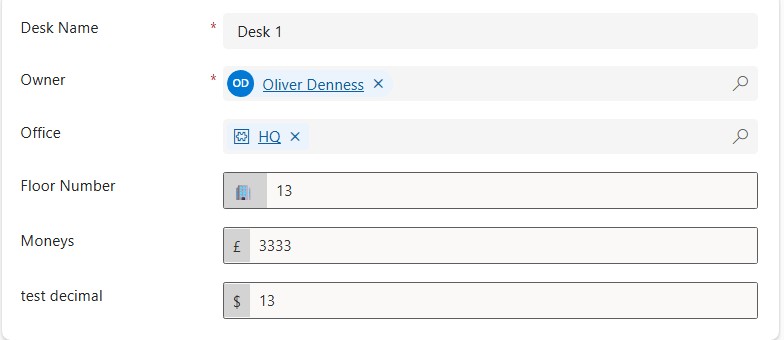
A control that enhances text input fields with prefix and suffix display capabilities.